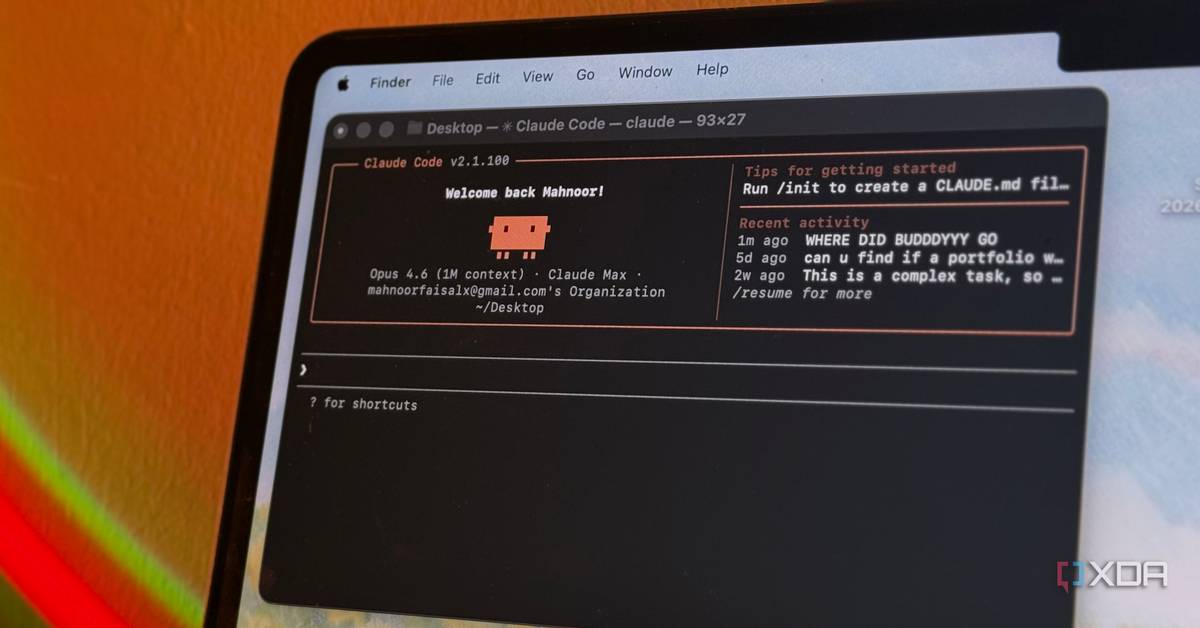
Claude Code Goes Beyond Coding
Most people think Claude Code only writes software. After a week of giving it full desktop control, I saw it act like a human assistant. It opened apps, performed calculations, and even created artwork—no API needed.
Simple Commands, Real Results
My first test was a single sentence prompt:
Open the Windows Calculator, calculate 1234 × 5678, copy the result, paste it into a new Notepad file and save it to the Desktop as "result.txt".
Claude set up Git, got the required permissions, and executed the steps exactly. The file appeared on the desktop in seconds.
Drawing Without a Mouse
Next I asked Claude to doodle a kitty in Paint. Direct mouse control is clunky, so Claude installed the Pillow library, generated a Python script that drew the cat mathematically, saved it as a PNG, and opened the image in Paint.
- Installed Pillow automatically
- Created a reusable
draw_kitty.pyscript on the desktop - Used Paint only as a viewer, not as a brush
Remote Control with Dispatch
The Dispatch feature lets you send commands from your phone. I used it to:
- Boot a remote server while away
- Check PC status and upload files to the cloud
- Launch World of Warcraft, log in, and select a character—all from bed
The AI reported back when each task finished, turning a lazy afternoon into a seamless gaming session.
Why This Matters for the Industry
Claude Code shows that AI agents can automate GUI-based workflows that traditionally need human clicks. This opens doors for:
- Remote IT support without scripting each tool
- Rapid prototyping of UI actions
- Personal productivity hacks for non-developers
When an AI can control any Windows app, the line between code and everyday tasks blurs, pushing the industry toward more intuitive, language-driven automation.
Getting Started
To try it yourself, install Claude Code, grant desktop permissions, and start with a clear English prompt. The built-in tips from the creator make setup painless, and the results speak for themselves.