Google just shipped the most significant update since NotebookLM launched in 2023. The AI research tool now runs on Gemini 3.5, gets a dedicated secure cloud computer for every notebook, and can find its own sources from the web. These changes turn NotebookLM from a smart chat interface into something closer to a research agent that can execute code, generate documents, and build a source library from a single question.
The upgrade is rolling out globally starting today for Google AI Ultra subscribers and Workspace business customers with AI Ultra and Expanded Access. Google says broader availability will follow, though no timeline has been given.
Stop paying monthly for Testimonial Widgets.
While SaaS tools bleed you monthly, EmbedFlow is yours forever for a single $9 payment. Drop in a beautiful, fully responsive Wall of Love in minutes. Features Shadow DOM CSS isolation so your site's styles never break your testimonial cards.
✅ Runs on Gemini 3.5 with improved accuracy and reasoning
✅ Each notebook gets a secure cloud computer via Antigravity
✅ AI-powered source discovery using Google Search
✅ Generates PDFs, Excel, PowerPoint, charts, and images
✅ Available now for Google AI Ultra and Workspace business accounts
What the Gemini 3.5 Upgrade Actually Changes
The core model powering NotebookLM has moved to Gemini 3.5, Google's latest generation. According to the company's blog post, this brings "more accurate and reliable information along with better visibility into the thinking process." In practice, that means responses should be more grounded in your sources and less prone to the confident-but-wrong answers that plagued earlier versions.
Google ran internal evaluations comparing the upgraded system against the previous version. The new NotebookLM achieved an average win rate of over 65?ross five core evaluation dimensions, a 15-point margin above parity. Large document analysis hit a 69.9% win rate. Web research and source discovery reached 78.2% against the prior baseline.
Those numbers sound impressive, but context matters. Google defined the evaluation categories itself, and the test set covered source-grounded Q&A, multilingual interactions, long-form document understanding, content generation, and multi-source research. Independent benchmarks have not yet been published, so treat these as directional rather than definitive proof of superiority.
The Cloud Computer: What It Is and Why It Matters
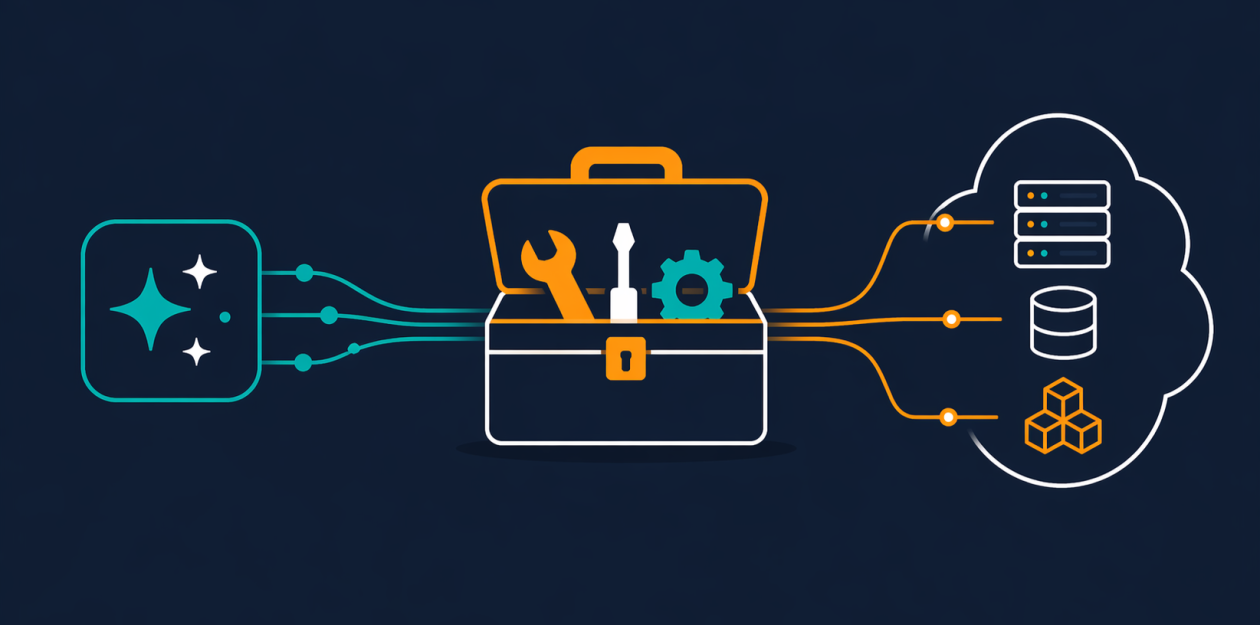
The most structurally important change is that every notebook now has its own secure cloud computer. This is powered by Antigravity, Google's agentic coding platform. NotebookLM can write and run code on your behalf inside a sandboxed environment tied to that specific notebook.
This is not a gimmick. The cloud computer is how NotebookLM generates the new output formats. When you ask for a chart, the system writes Python code to process your data and renders a PNG or SVG. When you need a spreadsheet, it generates the file programmatically. The system includes more than 100 curated software skills covering data analysis, visualization, document formatting, and more.
Here is a concrete example from Google's own materials: a data analyst working with datasets from multiple countries that use conflicting formats can ask NotebookLM to find additional context through web research, write code to normalize and analyze the data, and produce charts plus a PDF report. Previously, that workflow required at least three separate tools.
The cloud-computer-per-notebook pattern is not unique to Google. It has become standard across agentic AI tools in 2026. But bolting it directly into NotebookLM means users do not have to wire up their own sandbox or manage API keys. It just works inside the notebook you are already using.
Source Discovery: Starting from Nothing
NotebookLM's biggest limitation at launch was that it needed you to bring your own sources. You had to upload documents, paste links, or connect YouTube videos before the tool could do anything useful. That barrier is now gone.
You can start a project with a loose idea or a question. NotebookLM uses Google Search to find relevant, high-quality sources from the web and presents them in the chat. You choose which ones to add to your notebook. The tool can search for primary sources in other languages, find related works by a specific author, or surface academic papers on a niche topic.
This does not mean the AI runs off and builds your research library unsupervised. You still control which sources get included. Attribution stays transparent, and outputs remain grounded in the sources you approved. The discover feature existed before, but it was a separate tool. Now it is built directly into the chat flow, which makes the whole experience feel more like working with a research assistant than operating a database.
New Output Formats: From Chat to Deliverable
NotebookLM can now produce a wide range of file types directly from your sources. This is where the cloud computer does the heavy lifting.
Available output formats include:
- Documents: PDF, DOCX, Markdown, plain text
- Spreadsheets: Excel (XLSX), CSV, JSON
- Presentations: PowerPoint (PPTX)
- Data visualizations: PNG, SVG charts and graphs
- Images: Nano Banana-generated images in PNG, JPG, GIF
This shifts NotebookLM's value proposition. It was a tool for understanding your notes. Now it is a tool for producing finished work products. For enterprise buyers evaluating AI tools through Workspace, the ability to generate native Excel and PowerPoint files from a research session is a much easier sell than a model leaderboard.
NotebookLM vs Competitors in 2026
NotebookLM is not the only AI research tool on the market. Here is how the upgraded version compares to its closest alternatives.
| Feature | NotebookLM (Gemini 3.5) | Notion AI | Microsoft Copilot in OneNote |
|---|---|---|---|
| Code execution | Yes (cloud computer) | No | Limited (via Copilot Studio) |
| Source discovery | Yes (Google Search integration) | No | Partial (Bing search) |
| Export formats | PDF, Excel, PPTX, CSV, images | Markdown, PDF | Word, PowerPoint |
| Grounded in your sources | Yes (source-grounded by design) | Partial | Partial |
| Starting without sources | Yes | Yes | Yes |
| Pricing (entry for new features) | Google AI Ultra / Workspace | $10/mo (Plus) | Microsoft 365 subscription |
NotebookLM's advantage is depth over breadth. Notion AI and Copilot can answer questions, but neither offers code execution or automated source discovery. NotebookLM is built from the ground up to keep responses tied to verified sources, which matters for research integrity.
What Google Has Not Told You
The blog post leaves several practical questions unanswered. There is no mention of per-notebook compute limits, how long the cloud computer persists between sessions, or what happens to generated artifacts when a notebook is deleted. For enterprise customers, data residency and how sensitive Workspace content is handled inside the sandbox remain unclear.
Pricing beyond the AI Ultra gate is also unspecified. Google AI Ultra is the most expensive consumer Gemini subscription, and Workspace enterprise contracts are not cheap. If these features stay locked behind those tiers, most individual users will not see them. Google says it plans to expand availability "over time," which in practice could mean months.
The internal benchmark numbers, while positive, lack independent verification. A 78.2% win rate in web research sounds strong, but without knowing the difficulty of the test queries or how competing tools perform on the same set, it is hard to draw firm conclusions.
Who Should Use the Upgraded NotebookLM
Researchers and analysts are the clearest beneficiaries. The combination of source discovery, code execution, and multi-format output covers the full workflow from question to deliverable. If you work with messy datasets, multilingual sources, or need to produce reports regularly, this upgrade removes real friction.
Students and academics who already use NotebookLM for literature reviews will find the source discovery feature removes the biggest pain point: gathering sources before you can even start analyzing them. The ability to export to PDF and PowerPoint is also useful for assignments and presentations.
Enterprise teams on Workspace should evaluate this if they are already paying for AI Ultra access. The ability to generate native Office-format files from a research session is a concrete productivity gain, not a speculative feature.
Casual users on free or lower-tier plans should wait. The new features are gated behind expensive subscriptions for now, and Google has not confirmed when they will reach broader availability. The existing NotebookLM experience is still useful without them.
The Bigger Picture
This upgrade signals where Google is taking its AI products. The pattern is clear: give every AI tool its own execution environment, connect it to search, and let it produce real work products instead of just text. NotebookLM is the first Google consumer product to get the full Antigravity treatment, but it probably will not be the last.
What makes this update feel different from typical AI product launches is the structural shift. NotebookLM is no longer a chatbot that happens to read your documents. It is a workspace that can research, analyze, code, and export. Whether the cloud computer holds up under sustained, multi-step work remains to be seen. But the direction is right, and for the first time, NotebookLM feels like a tool that can do the actual work, not just talk about it.